Motiora for Android
Make photos move.
Turn a photograph into a video, or give it a different look as a still. Begin with your own image or pick a template.
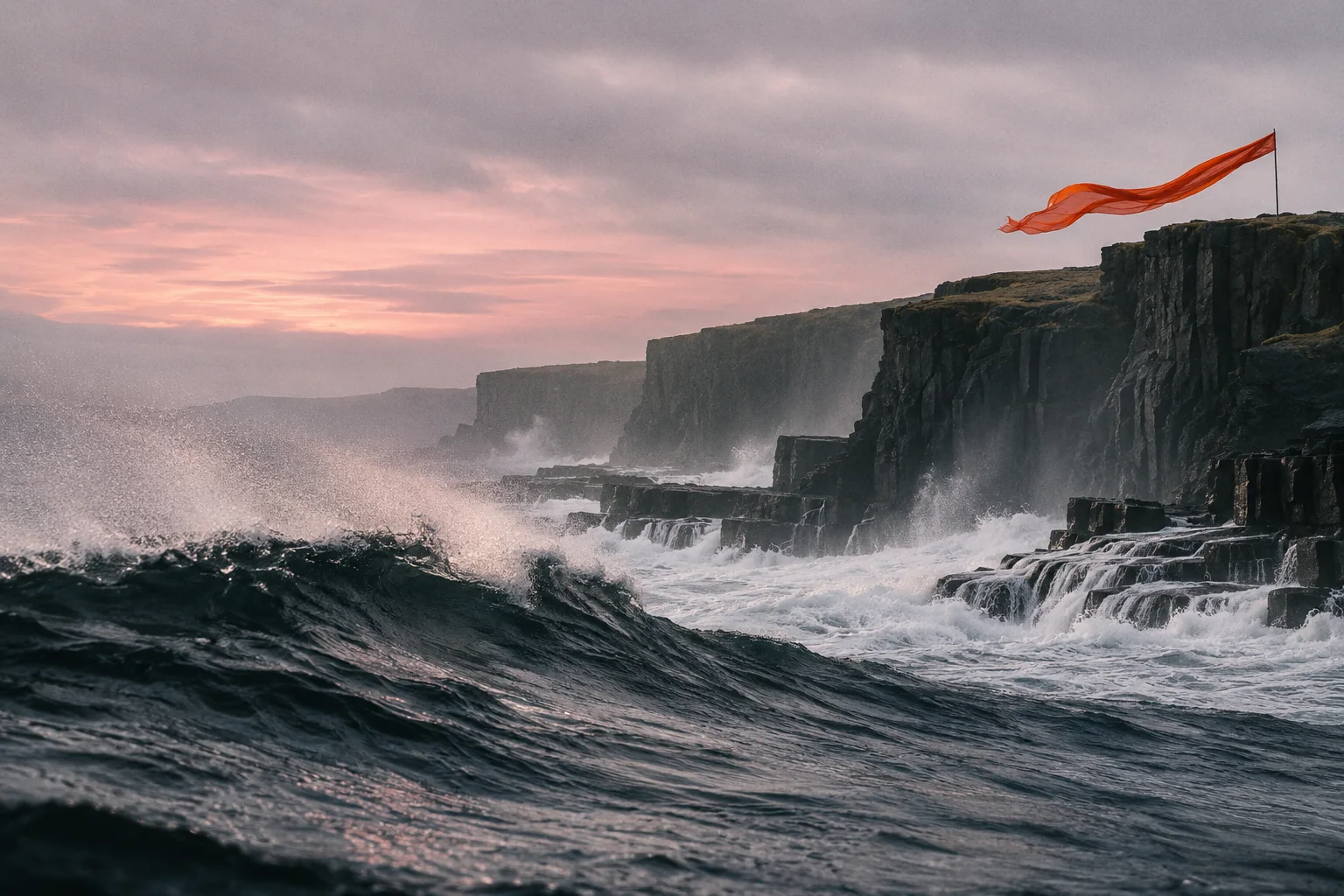
What will you make?
Choose a format first. A template gives you a starting point for either one.
Video
- Image to video
- Choose a photo to animate. Add a prompt if you want to describe the movement you have in mind.
- Video templates
- Pick a motion treatment and supply your image. The template guides the movement of the clip.
Image
- Image to image
- Use a source photo as a reference for a new still. Explore another look for a familiar scene.
- Image templates
- Start with a preset look, choose the photo you want to use, and generate a still in that style.
Three steps from still to moving
Pick a photo
Android’s photo picker opens on your own library. Motiora only receives the picture you tap.
Set the direction
Choose a ready-made template, or write a line about the movement or the new look you would like to see.
Watch and keep
Follow progress in the app. When the result is done, save it to your phone before it is cleared from our servers.
Motion, three frames at a time
Illustrated studies made for this site. Each one breaks a single movement into three beats.
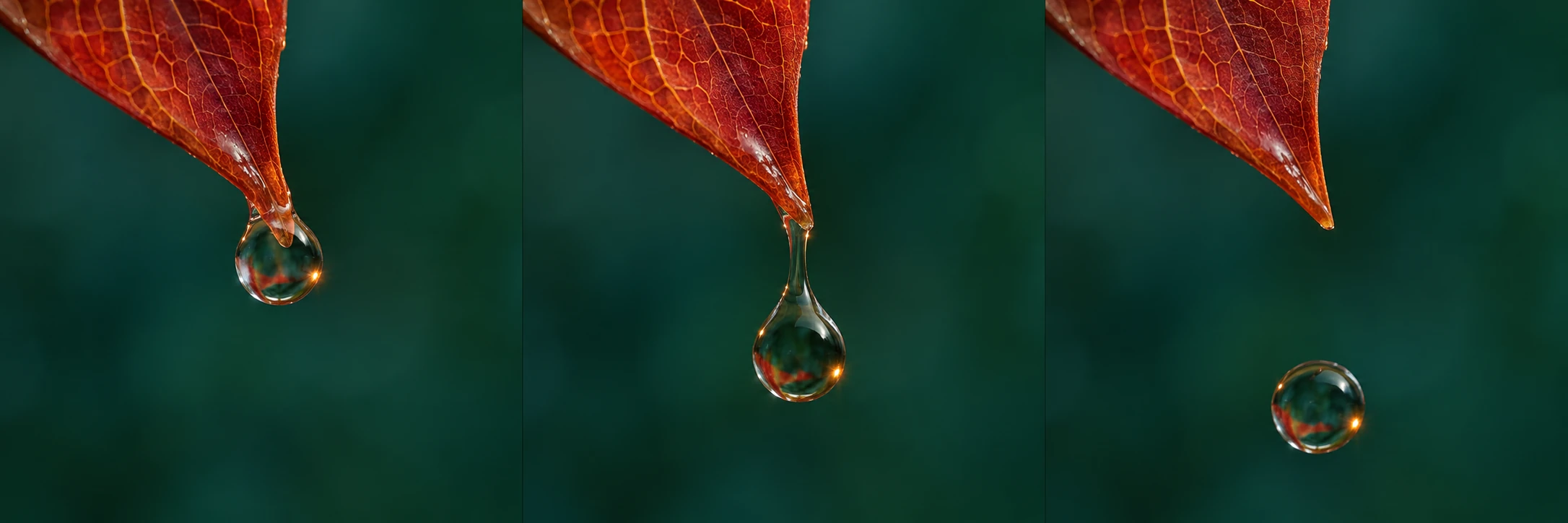
Last drop · Macro photograph 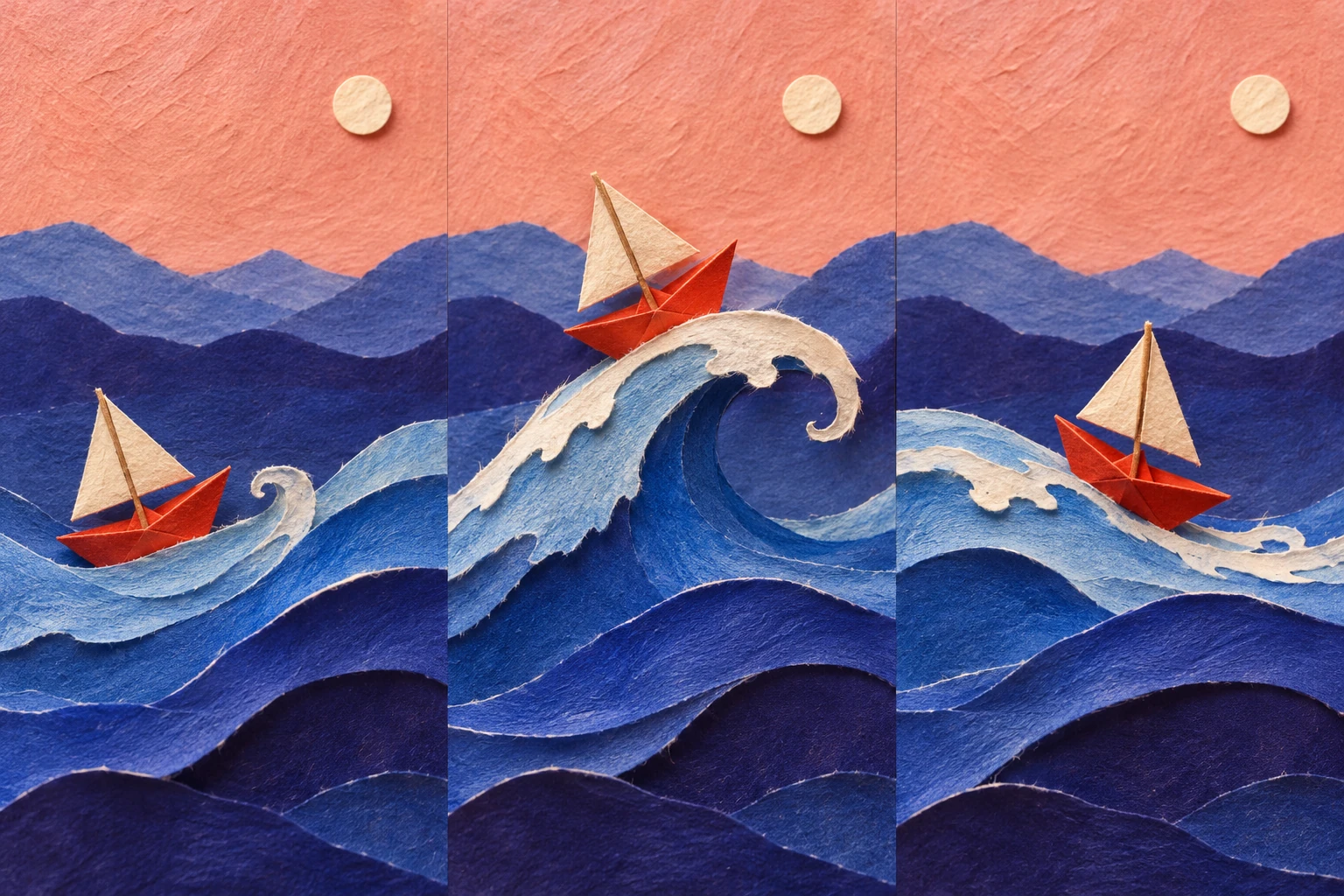
Paper tide · Cut-paper set 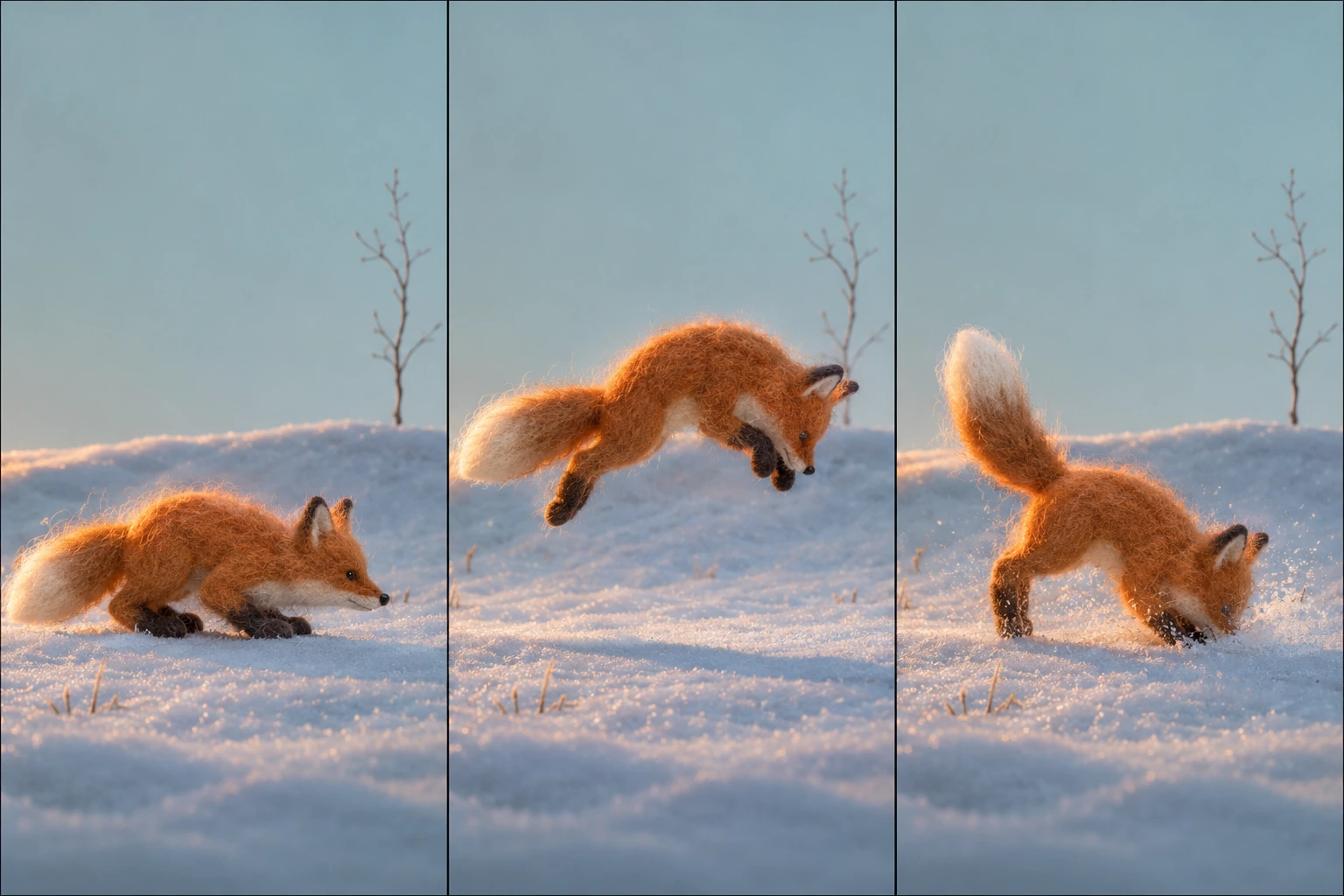
Snow pounce · Felted stop motion
- Generated on our own machines
- Your inputs and results are not passed to an outside AI provider to make the image or video.
- Never used for training
- Photos, prompts and finished work are not used to train any model.
- No face matching
- We do not recognise faces, extract biometric features or try to work out who is in a picture.
- Gone within 36 hours
- A creation, its inputs and the records linked to it are deleted automatically within 36 hours of the upload.
Questions people ask first
Do I need to create an account?
No. Motiora opens as a guest on your device, so there is no password or sign-in form to fill in.
What does it cost?
Motiora has one-time in-app purchases through Google Play. The price and what you get are shown in the app before you pay. There is no subscription to cancel.
How long are my results kept?
About 36 hours from the upload. Save anything you want to keep to your gallery, because we remove our copies automatically.
Can I use a picture of someone else?
Only if you have the right to use it and the person would be comfortable with the result. Intimate or sexual images of anyone without consent, and any sexual content involving minors, are forbidden.
How do I report a result?
Open the creation’s details in the app and use the report option. You can also write to support if you no longer have the app.
How do I delete my data?
Use the data deletion option in Personal Settings, or send a request from the Delete your data page. Either route works on its own.
When can I download it?
Motiora is being prepared for Google Play. This page will link to the store listing once it is live.
Who is it for?
Motiora is rated 12+. Younger users should check local rules and involve a parent or guardian where needed.

Android app
Motiora: Make Photos Move
- Google Play
- Coming soon
- Content rating
- 12+
- Purchases
- One-time, priced in the app
Need a hand?
Write to support@motiora.net about a creation, a purchase or your data. A short description and any reference you have is enough to start.